Captured
Calls, web chats, and texts are answered when the team is busy.

Electricians
iAnswer helps electrical contractors capture requests, route urgent issues, coordinate appointments, update customers, and move completed jobs toward invoicing.
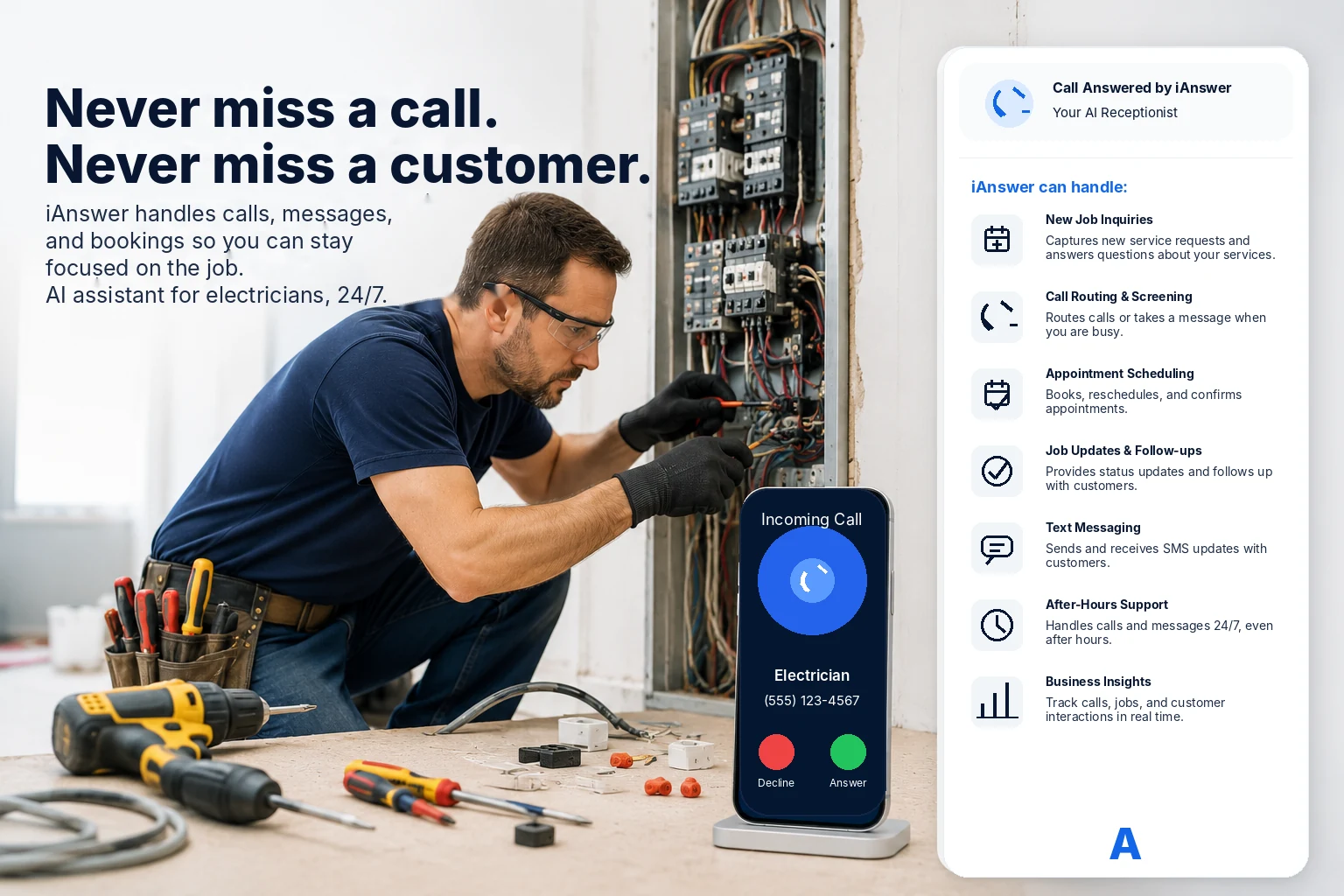
Calls, web chats, and texts are answered when the team is busy.
Urgent safety issues, routine work, estimates, and questions are sorted.
Appointments, job updates, completion notes, and invoice follow-up are organized.
Electrical service workflow
A customer can describe the problem in plain language. iAnswer collects the useful details, routes urgent issues, and prepares the next step for scheduling, dispatch, or follow-up.
Common electrician tasks
The goal is simple: capture the request, get the right details, keep the customer informed, and help the job move cleanly through the business.
Gather issue type, address, urgency, access notes, and customer contact details.
Separate safety concerns and no-power calls from routine estimates and questions.
Confirm windows, send arrival updates, and notify customers when timing changes.

Prepare completion notes, invoice follow-up, and customer record updates.
Where it helps
These examples keep the front office, technicians, and customer follow-up aligned.
Capture service type, symptoms, photos needed, access notes, and urgency.
Flag no-power, burning smell, panel issues, and safety-sensitive calls.
Confirm timing, notify customers, and reduce missed visits.
Collect completion notes, materials used, and next-step recommendations.
Remind the team to follow up on open quotes or customer questions.
Move completed jobs toward billing with the needed customer and job details.
Send text updates when the technician is delayed, finished, or waiting on parts.
Show what came in, what is urgent, what is scheduled, and what still needs attention.
Example request
Customers rarely describe electrical problems in perfect categories. iAnswer can ask the right follow-up questions and create a useful service request.
Kitchen outlets, breaker tripping, no smoke or smell, tomorrow preferred.
Request moves to the service queue with a customer confirmation message.
Breaker trips when reset; kitchen outlets are dead.
No smoke, smell, or visible damage reported. Customer wants tomorrow.
Assign service window and confirm by SMS.
Simple workflow
The customer gets an answer while your team gets the details needed to prioritize the job.
Step 1
The customer reaches out by call, text, or chat.
Step 2
Issue, address, access, urgency, and preferred time are captured.
Step 3
Urgent and routine requests move to the right queue or person.
Step 4
The customer receives confirmation and the team has a record.
Build your electrician flow
We will map your service categories, urgent routing rules, coverage area, scheduling process, and follow-up needs.