Book and change visits
Find available times, collect customer details, update appointments, and send confirmation.

Spa & wellness
iAnswer helps spas, wellness studios, salons, and beauty teams answer routine questions, book appointments, manage changes, prepare follow-up, and protect the client experience.
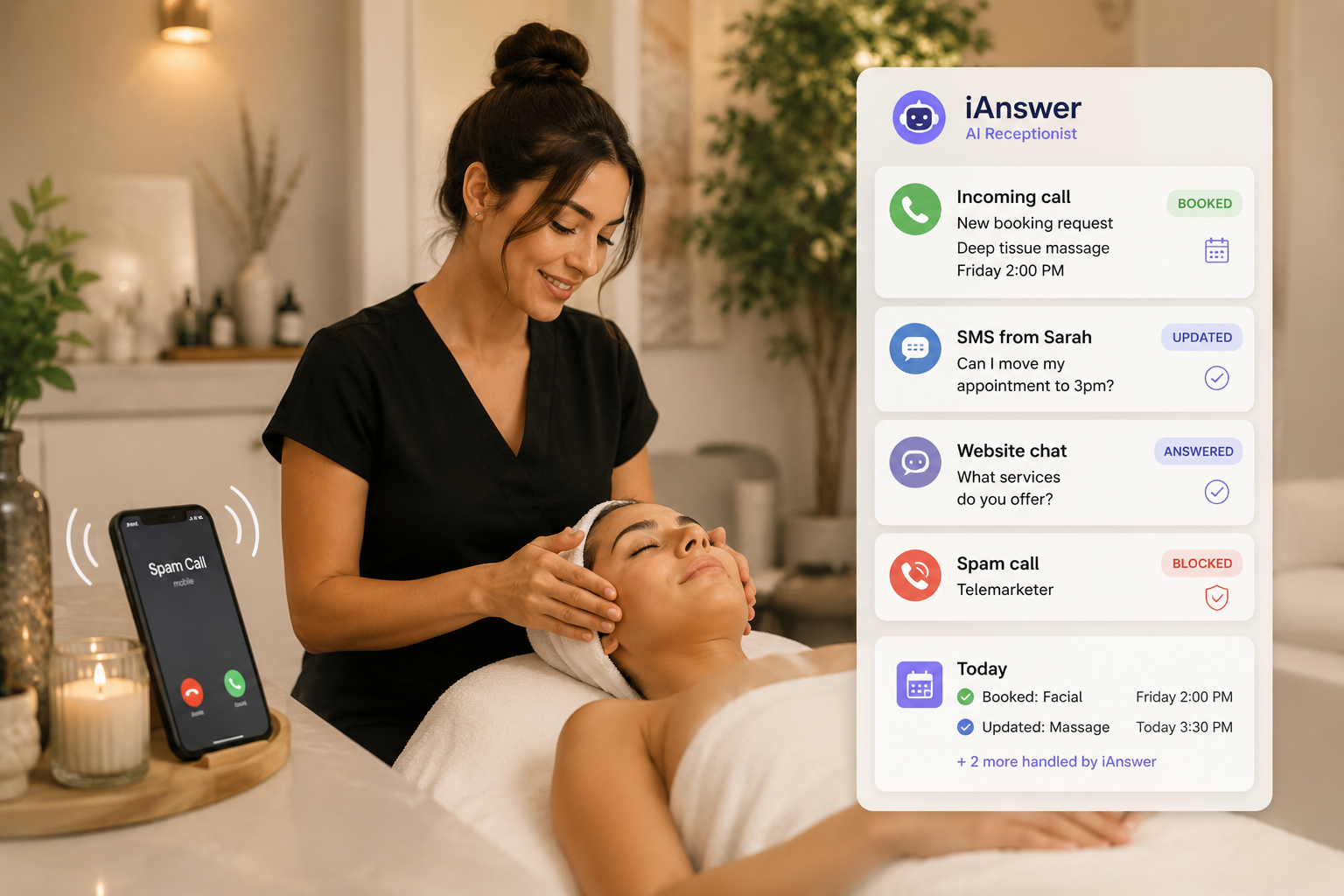
Designed for the spa experience
Spa customers expect a calm, personal experience. iAnswer helps protect that atmosphere by answering calls, texts, and web chat while your team is with a client.
What iAnswer handles
Your team defines the services, booking rules, provider preferences, policies, and handoff rules. iAnswer follows that flow consistently across every customer channel.
Find available times, collect customer details, update appointments, and send confirmation.
Explain approved services, durations, prices, policies, and preparation details.
Send confirmations, reminders, follow-up notes, and simple reschedule options by text.

Use scheduling and customer systems when access is available, or start with a guided demo flow.
Spa use cases
iAnswer can begin with one high-friction task, then expand into calls, web chat, text messages, booking changes, staff handoffs, and customer follow-up.
iAnswer answers immediately, collects the service, duration, preferred time, and staff preference, then confirms the next step.
A guest can say, "I want a 90 minute massage tomorrow afternoon," and iAnswer handles the service, time, and staff details.
Returning guests can reschedule, cancel, confirm, or ask a quick question without waiting for a call back.
Approved service descriptions, prices, add-ons, prep instructions, policies, and timing can be answered consistently.
Late calls and website chats can become booking requests, messages, or follow-up tasks before the next business day starts.
Membership questions, exceptions, sensitive requests, or upset customers can be transferred or summarized for your team.
Owners and managers can review what was booked, what needs follow-up, and where a person should step in.
When access is available, iAnswer can connect booking, customer, payment, and messaging activity to the tools you already use.
Customer calling example
The customer does not need to know your booking system, service menu, or staff schedule. They ask naturally, and iAnswer follows your approved rules.
Search calls, SMS, and web chat by customer, channel, date, or outcome.
Know which conversations became appointments, changes, messages, or handoffs.
Use real questions and outcomes to refine services, policies, and escalation rules.
Simple workflow
A spa flow should feel natural to the customer and predictable to your team.
Request arrives
iAnswer responds immediately and understands the appointment, service, or question.
Details collected
Service, provider, timing, and customer details are captured using your rules.
Availability checked
System action
When the integration allows it, iAnswer creates or updates the appointment directly.
Confirmation
SMS confirmation and a clean activity record keep everyone aligned.
Start with your spa flow
We will review your booking system, services, prices, policies, and handoff rules.